


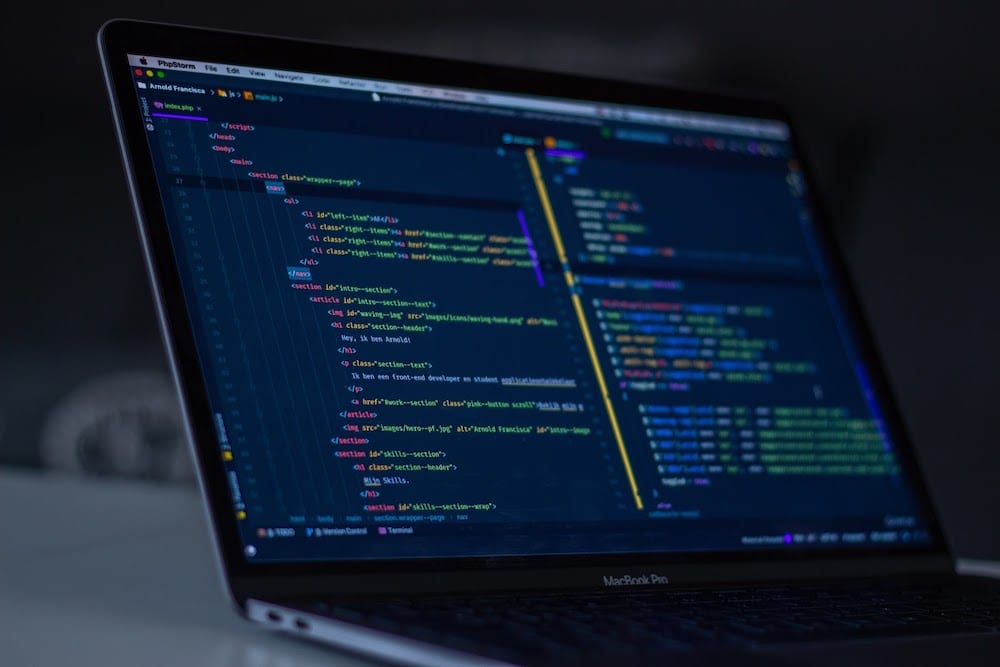
Java Coding: A Practical Guide to Building Your First Programs
Java Coding: A Practical Guide to Getting Started
Java is a widely used programming language known for its portability, reliability, and extensive ecosystem. It powers everything from business applications and web services to Android tools and large-scale systems. Whether you are learning to code for the first time or adding another language to your toolkit, Java offers a structured way to build useful software.
What Is Java?
Java is a general-purpose, object-oriented programming language. Developers write Java source code, which is compiled into bytecode. That bytecode runs on the Java Virtual Machine (JVM), allowing the same program to work on different operating systems with a compatible Java runtime.
This approach is often summarized as “write once, run anywhere.” In practice, a program may still need adjustments for platform-specific features, but the JVM helps make Java applications portable across many environments.
Writing Your First Java Program
A simple Java program can display a message in the console:
public class Main {


    public static void main(String[] args) {


        System.out.println("Hello, world!");


    }


}
In this example, Main is the class name, and main is the method where the program begins. The System.out.println statement prints text to the console. Java is case-sensitive, so capitalization and punctuation matter.
Core Concepts in Java Coding
Variables and Data Types
Variables store values that a program can use. Java requires each variable to have a declared type, such as an integer, decimal number, or piece of text.
int age = 30;


double price = 19.99;


String name = "Jordan";


boolean isActive = true;
Choosing the right type makes code easier to understand and helps prevent certain errors.
Conditionals and Loops
Conditionals let a program make decisions. Loops repeat instructions when a task needs to happen more than once.
if (age >= 18) {


    System.out.println("Adult");


} else {


    System.out.println("Minor");


}


for (int i = 0; i < 3; i++) {


    System.out.println("Count: " + i);


}
Methods
Methods group instructions into reusable units. A method can accept information, perform an operation, and return a result.
public static int add(int first, int second) {


    return first + second;


}
Breaking a program into methods can make it easier to test, maintain, and reuse.
Classes and Objects
Java uses classes to describe the data and behavior associated with a type of object. An object is an instance of a class. For example, a Book class might define a title and author, while individual book objects hold specific values.
class Book {


    String title;


    String author;


    Book(String title, String author) {


        this.title = title;


        this.author = author;


    }


}
Object-oriented programming helps organize larger programs into components that represent related ideas.
Tools for Java Development
To write and run Java programs, install a Java Development Kit (JDK). The JDK includes tools for compiling and running code. Many developers also use an integrated development environment (IDE), such as IntelliJ IDEA, Eclipse, or Visual Studio Code, to edit code, find errors, and manage projects.
For small experiments, a basic text editor and command-line tools can be enough. As projects grow, an IDE and a build tool can make development more efficient.
Tips for Writing Better Java Code
- Use clear names: Choose names that explain what variables, methods, and classes are for.
- Keep methods focused: A method that handles one task is easier to understand and test.
- Format consistently: Indentation and readable spacing make code easier to review.
- Handle errors thoughtfully: Use exceptions to respond to unexpected conditions instead of ignoring them.
- Practice with small projects: A calculator, to-do list, or simple text-based game can reinforce fundamental concepts.
- Read the documentation: Official references and reputable tutorials can help clarify how Java libraries work.
Getting Started
The best way to learn Java coding is to write programs regularly. Start with basic syntax, then practice variables, conditionals, loops, methods, and classes. Once those concepts feel familiar, explore collections, file handling, testing, and popular Java frameworks.
Java has a long history and a broad community, so learners can find plenty of examples and resources. With steady practice and a focus on readable code, you can use Java to build everything from simple programs to robust applications.
6 Essential Tips for Writing Clean, Reliable Java Code
- Use meaningful names for classes, methods, and variables.
- Prefer `List` and `Map` interfaces over concrete types.
- Keep methods focused on one task.
- Use try-with-resources to close files and streams.
- Handle exceptions specifically instead of catching `Exception`.
- Write unit tests for important behavior.
Use meaningful names for classes, methods, and variables.
Use meaningful names for classes, methods, and variables to make Java code easier to read, understand, and maintain. Choose names that describe a clear purpose—for example, calculateTotal is more informative than doIt, and customerEmail is clearer than x. Consistent, descriptive naming helps teammates follow your code and makes it easier to update later.
Prefer `List` and `Map` interfaces over concrete types.
When writing Java code, declare variables and method parameters using interfaces such as `List` and `Map` instead of specific implementations like `ArrayList` or `HashMap` whenever possible. For example, use `List
Keep methods focused on one task.
Keep each Java method focused on one task. When a method has a clear, specific purpose, it’s easier to read, test, debug, and reuse. If a method handles several unrelated jobs, consider splitting it into smaller methods with descriptive names. This makes your code easier to maintain and helps other developers understand how each part of the program works.
Use try-with-resources to close files and streams.
Use Java’s try-with-resources statement to ensure files, streams, and other resources are closed automatically when you’re done with them. Declare the resource inside the parentheses after try, and Java will close it whether the code finishes normally or an exception occurs. This helps prevent resource leaks and keeps your code simpler than managing cleanup manually with a finally block.
Handle exceptions specifically instead of catching `Exception`.
Catch the specific exceptions your code can reasonably handle instead of catching the broad `Exception` type. A targeted catch makes it clear which errors you expect and lets you respond appropriately—for example, handling a missing file differently from invalid input. Catching `Exception` can hide unrelated problems and make bugs harder to find. If you cannot recover from an error, let it propagate or handle it at a higher level where meaningful action can be taken.
Write unit tests for important behavior.
Write unit tests for important behavior to make sure your Java code works as expected and continues to do so as it changes. Tests can verify individual methods, check edge cases, and catch regressions early—before they cause problems elsewhere in an application. Focus first on critical logic, such as calculations, validation, and error handling, and use clear test names that explain what each test checks. Java frameworks like JUnit make it straightforward to organize and run tests as part of your development workflow.